

Strong Passwords
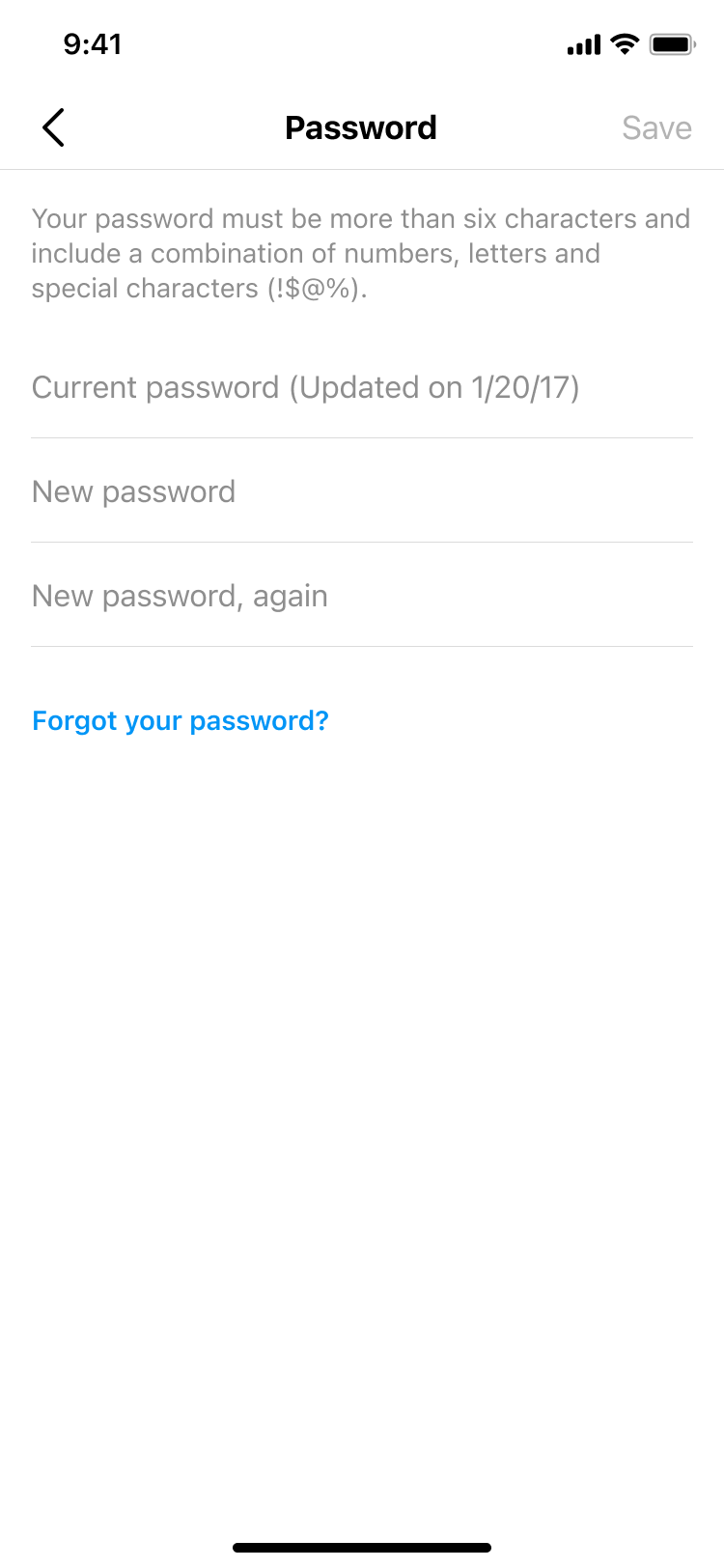
Set a unique password, then keep it private. Your Buziness AI password should be different from passwords you use elsewhere, your email, banking, or other services. You can change it at any time from your security settings. Learn more in help center.
Compromised Accounts
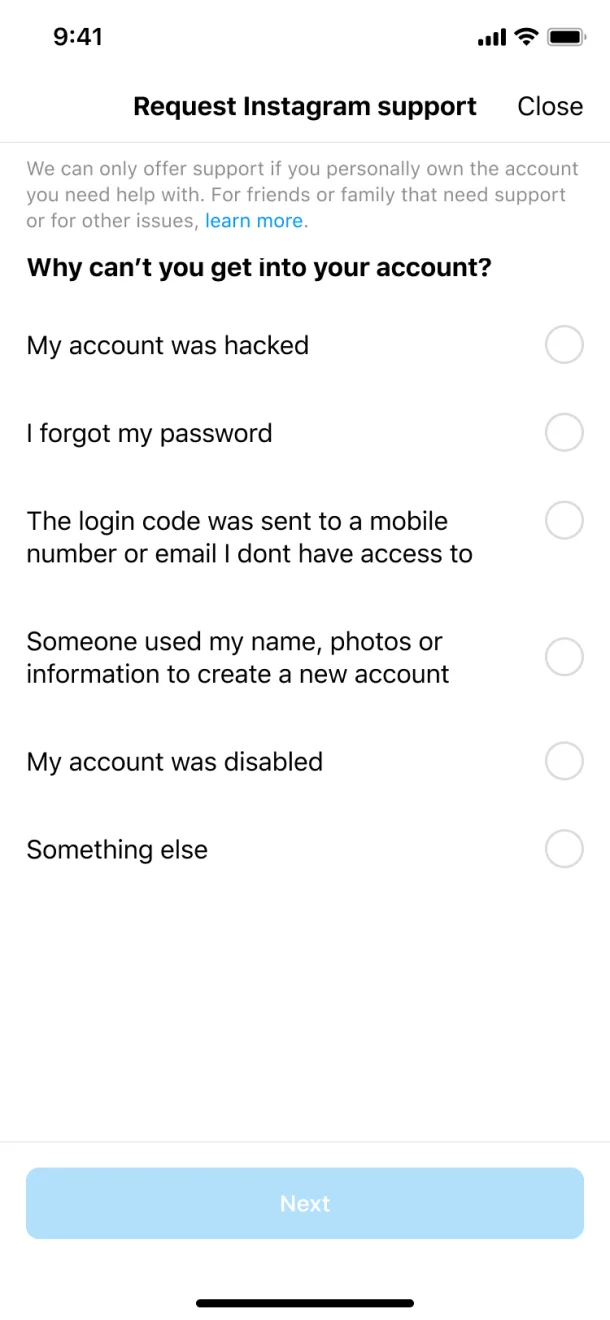
If your account is compromised, we'll confirm that you own it by sending a code to your verified email or phone. Always ensure your recovery contacts are up to date — this is your primary lifeline to regaining access.
Two-factor authentication
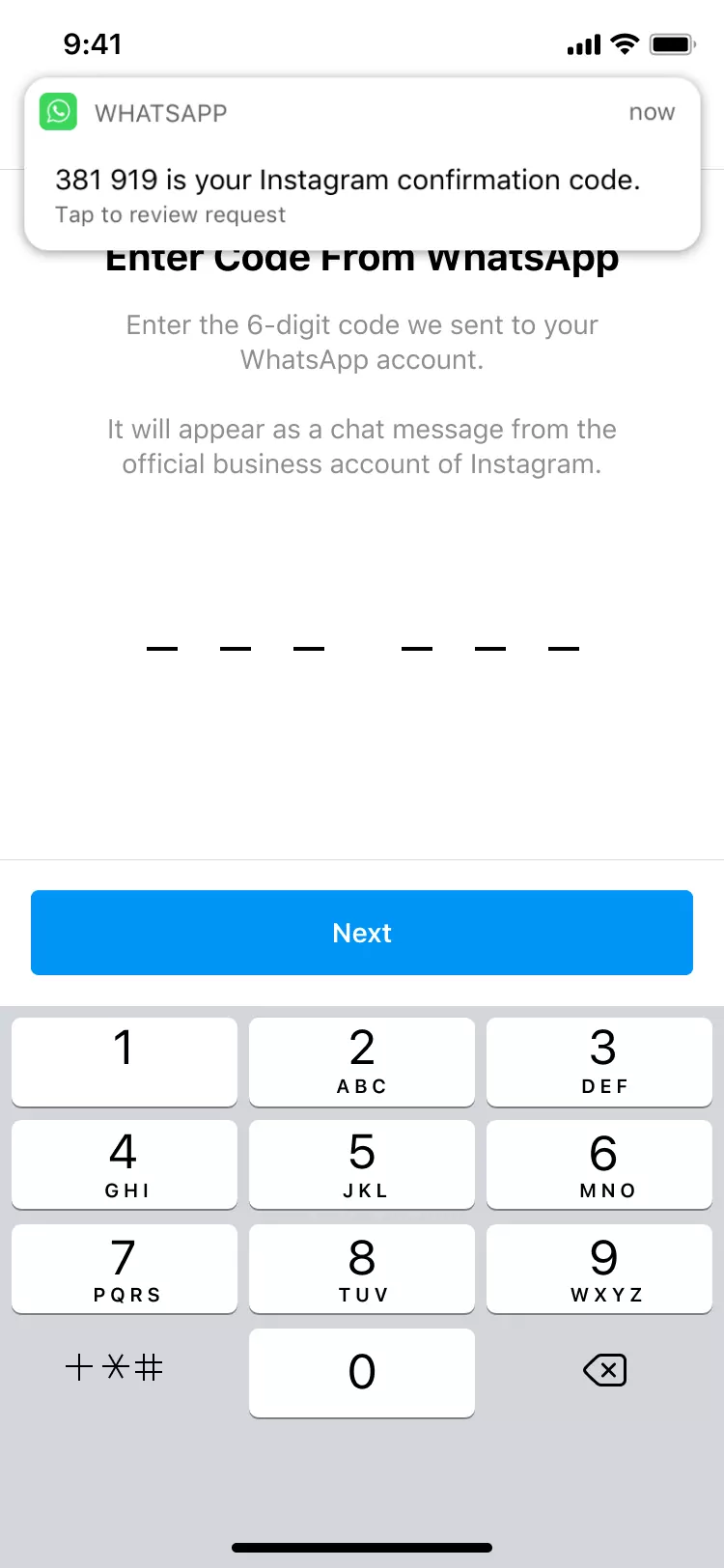
One of the most important steps you can take is turning on two-factor authentication. Link your email, phone, WhatsApp, or a third-party authenticator app to confirm it's you whenever you sign in from a new device or location.
Suspicious login Notifications
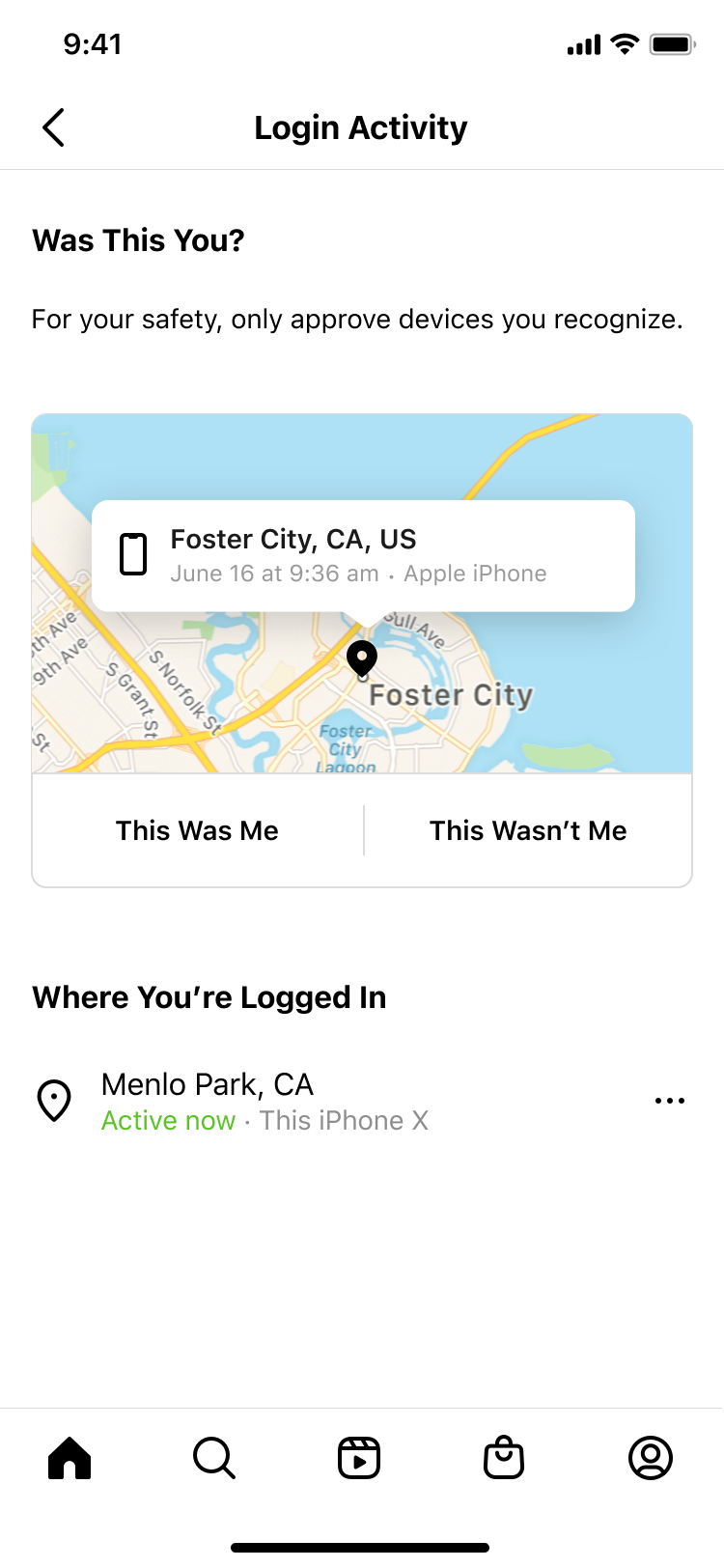
If someone signs in to your account from an unknown location or unfamiliar device, Buziness AI will send you an immediate notification. If it wasn't you, you can instantly reset your password and lock out unauthorized access.
Buziness AI account
recovery
- 1 Visit buziness.ai/account/recover
- 2 Check your email for a message from Buziness AI
- 3 Request a login link
- 4 Request a security code
- 5 Verify your identity

What to do if your account is hacked
How to activate two-factor authentication
How to change your password
How to check login activity
How to verify emails from Buziness AI