

Header

Security at
Buziness AI

ACCOUNT SECURITY

Strengthen your account so no one has access
who shouldn't.

Strengthen your account so no one has access who shouldn't.

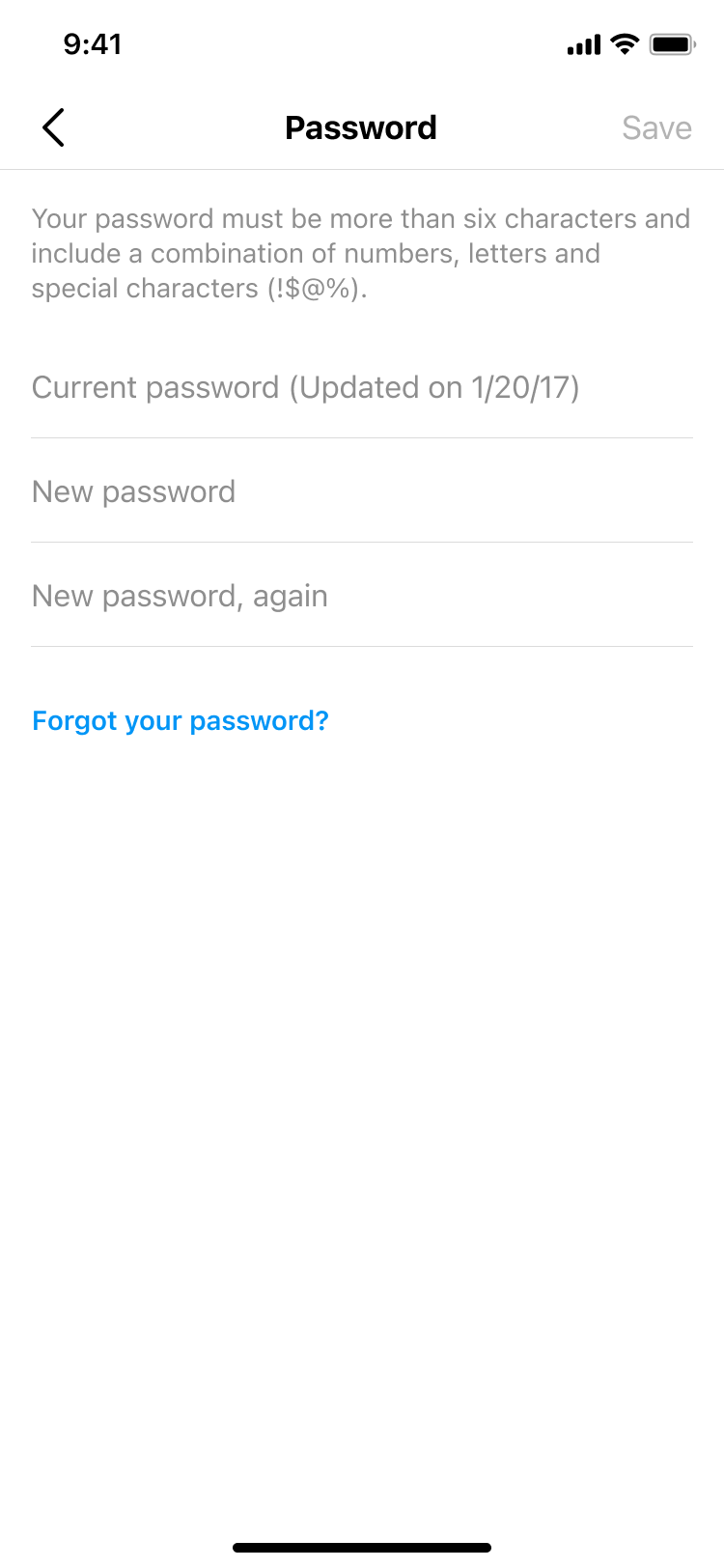
Password screen

Strong Passwords

Set a unique password, then keep it private. Your Buziness AI password should be different from passwords you use elsewhere, your email, banking, or other services. You can change it at any time from your security settings. Learn more in help center.
Hacked accounts screen

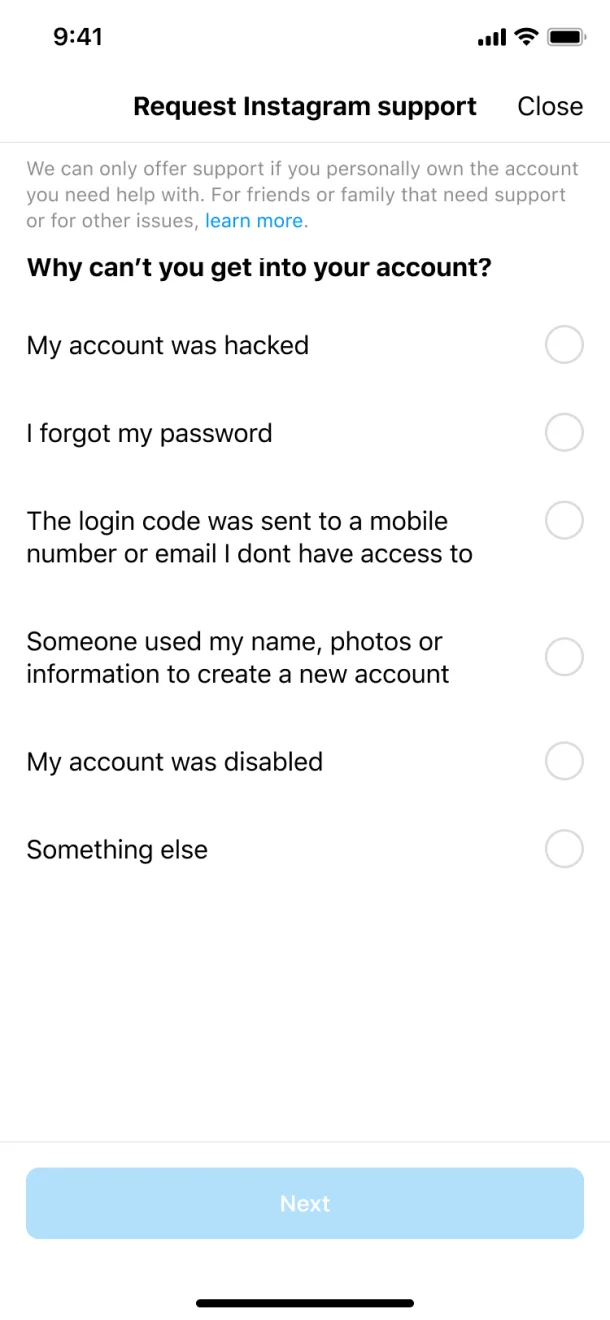
Compromised Accounts

If your account is compromised, we'll confirm that you own it by sending a code to your verified email or phone. Always ensure your recovery contacts are up to date — this is your primary lifeline to regaining access.
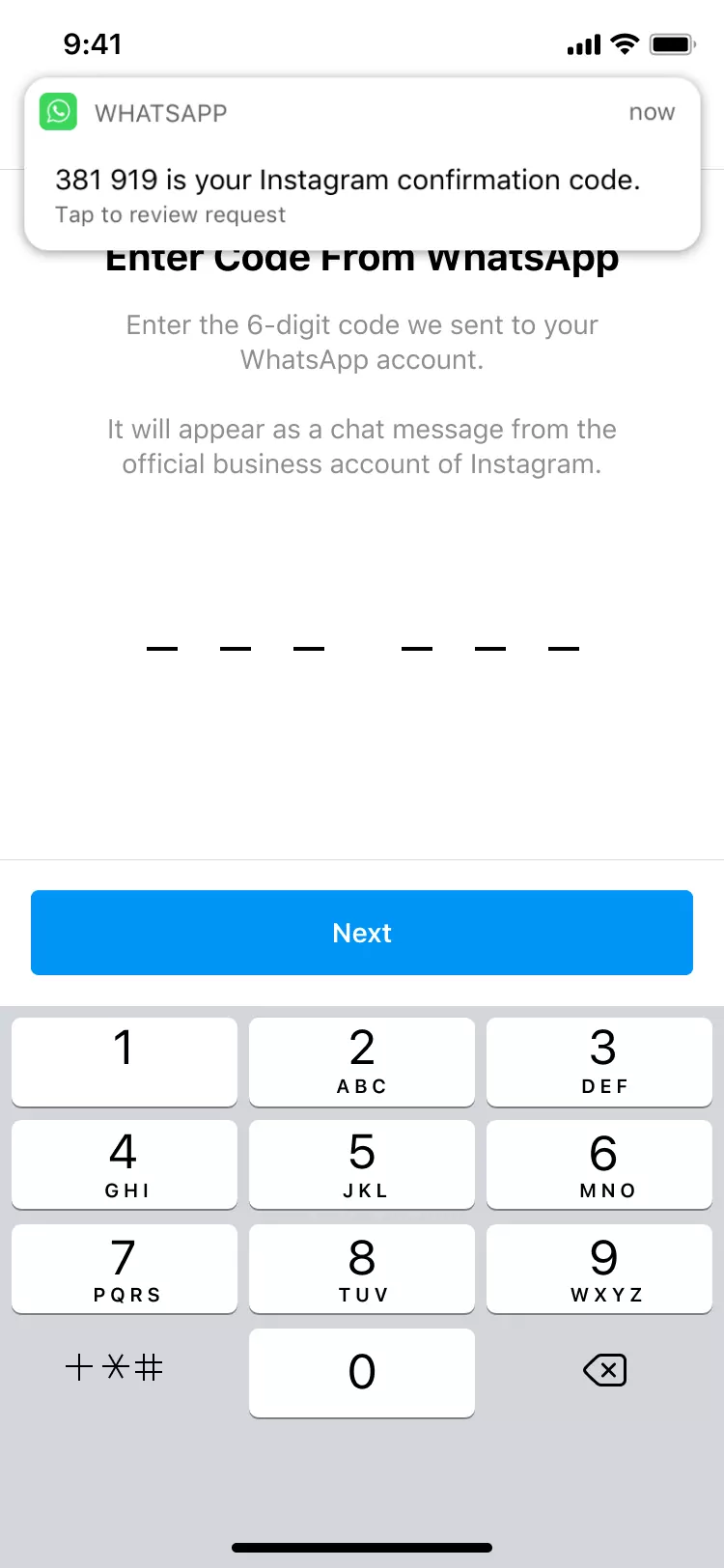
Two-factor authentication screen

Two-factor authentication

One of the most important steps you can take is turning on two-factor authentication. Link your email, phone, WhatsApp, or a third-party authenticator app to confirm it's you whenever you sign in from a new device or location.
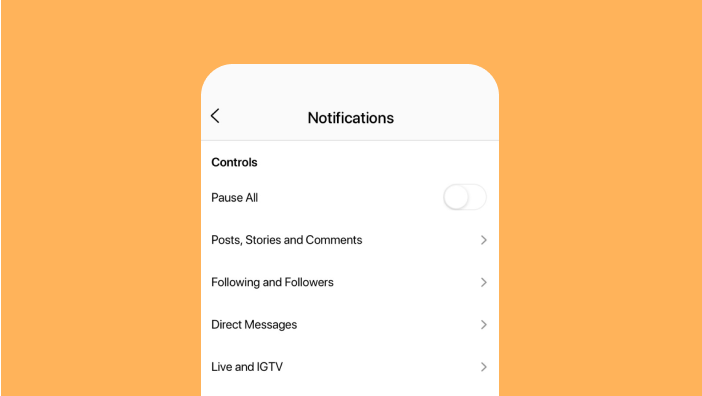
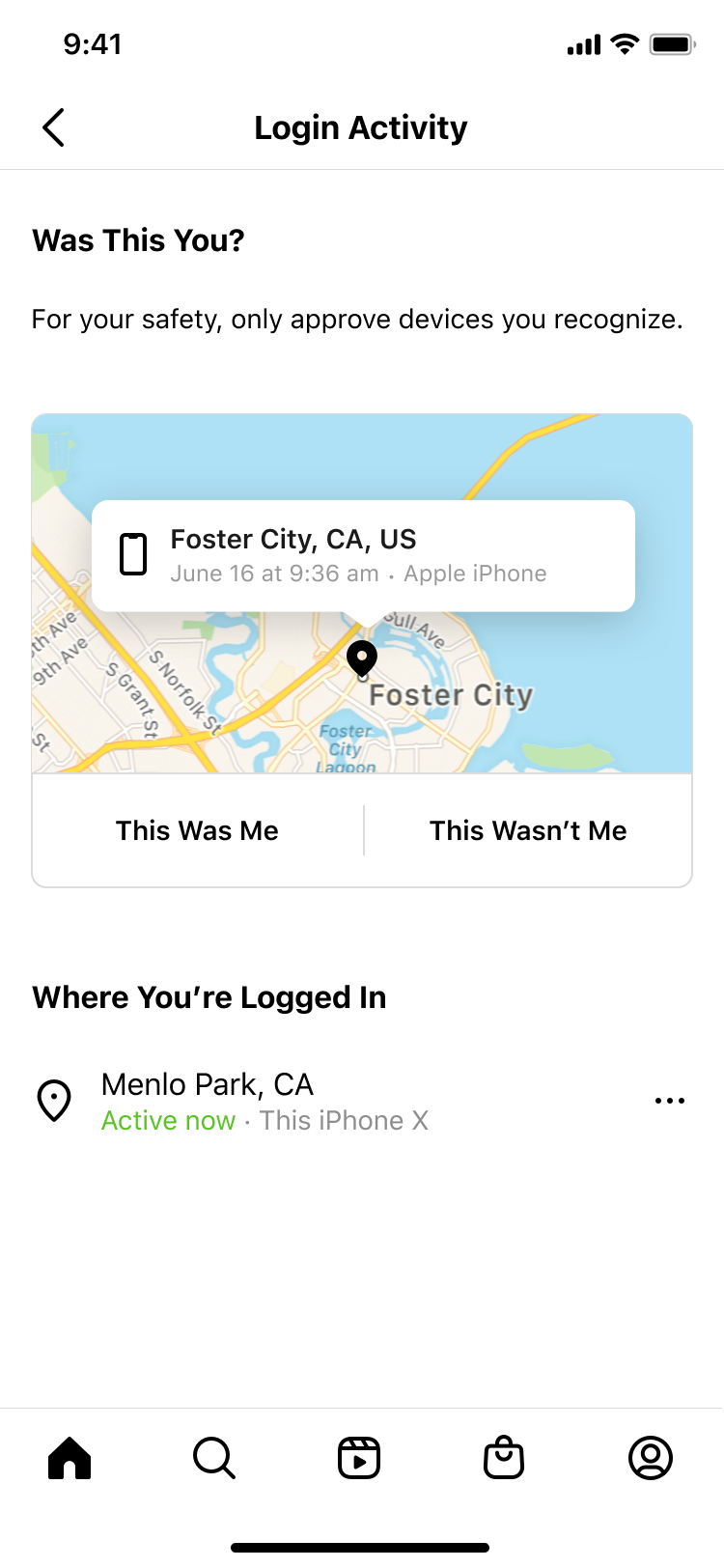
Suspicious login notifications screen

Suspicious login Notifications

If someone signs in to your account from an unknown location or unfamiliar device, Buziness AI will send you an immediate notification. If it wasn't you, you can instantly reset your password and lock out unauthorized access.

SECURITY CHECK-UP

Run a Security Check-Up to keep your
Buziness AI account fully locked down.

Run a Security Check-Up to keep your Buziness AI account fully locked down.

Security Check-Up scans your account and walks you through any gaps it finds, reviewing active sessions across devices, checking that your profile details are accurate, auditing which integrations have access to your workspace, and confirming that your recovery phone number and backup email are still valid.

To run Security Check-Up, open Buziness AI and go to your "Profile", "Settings", "Security", "Security Check-Up". The process takes under two minutes and surfaces only the steps that apply to your current account setup. Learn more in the Help Center.

DATA SECURITY

Access and download your data at anytime.

View your account data or download a complete copy of your activity, conversations, and reports whenever you’d like.For more info visit our Help Center here.

Buziness AI account
recovery

  1. 1 Visit buziness.ai/account/recover
  2. 2 Check your email for a message from Buziness AI
  3. 3 Request a login link
  4. 4 Request a security code
  5. 5 Verify your identity
Learn more
Instagram account recovery support screen

Tools to protect and recover your account

Buziness AI is dedicated to protecting and recovering
your account.

Learn more about the security tools designed to keep your account safe and recover your account quickly.

SECURITY VIDEOS

Explore videos that address the community's top account security questions.

What to do if hacked
Play

What to do if your account is hacked

How to activate Two-factor authentication
Play

How to activate two-factor authentication

How to change your password
Play

How to change your password

How to check login activity
Play

How to check login activity

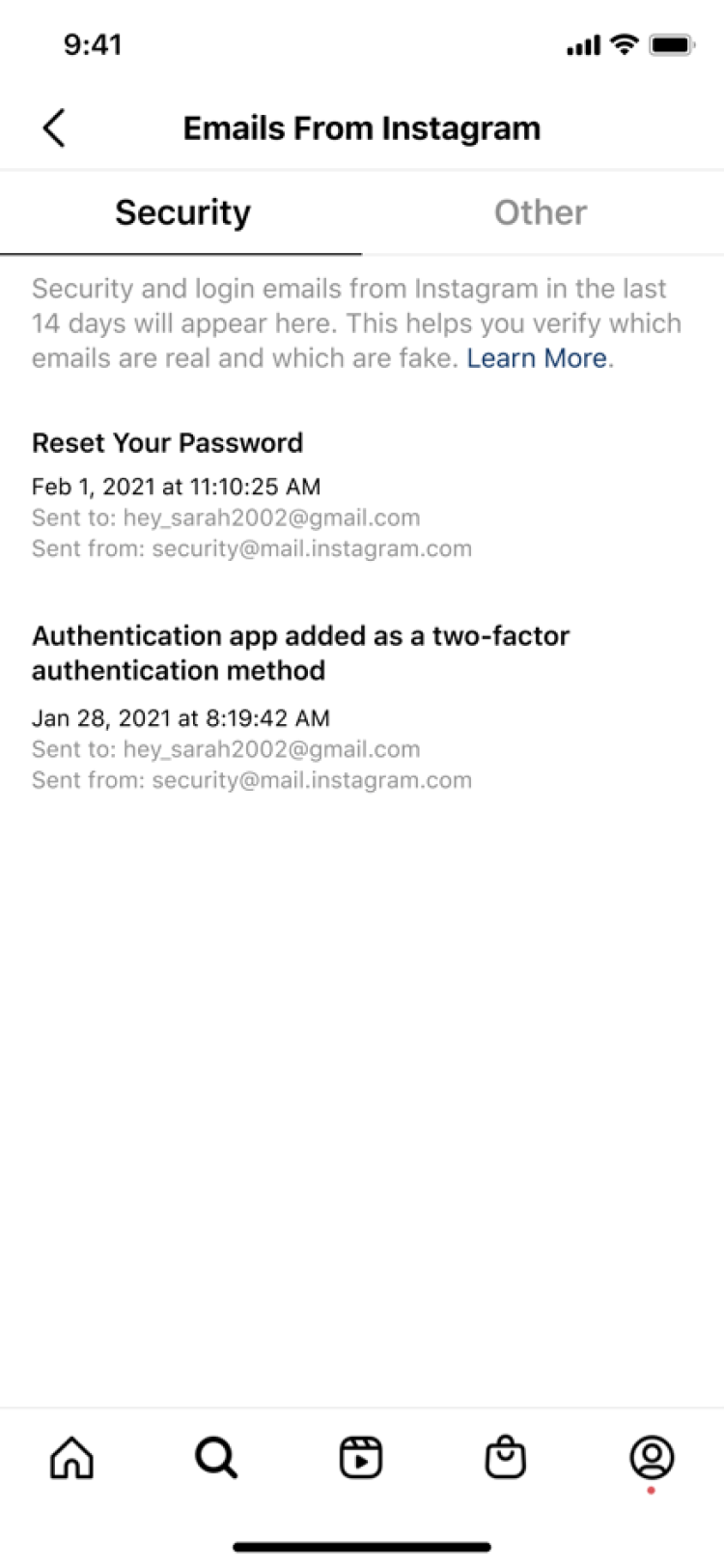
How to check emails from Instagram
Play

How to verify emails from Buziness AI
In addition to Account Security, you can learn more about the tools we have to support Privacy or Safety on Buziness AI.

Learn more about safety here.
Learn more about account privacy here.

RELATED ARTICLES

Learn more about Account Security at Buziness AI

View more